Those of you that already know how to code using Python will likely be familiar with "Notebooks" already, but for those of you who are not these are "executable" ways of working with code, meaning that you can write some code and then run it inside the notebook so that you can immediately see what the code does (e.g. does it work!).
In the first week's lecture I will show you how to use a notebook so don't worry if you aren't comfortable with doing so now.
IF you would like to get started the easiest way to start is to download the files below and then upload them to the University's "Noteable" system (which you can access here). You will first need to login using your university UUN and then you will be taken to the Noteable launch page:
Step 1 - click the link it will take you here:-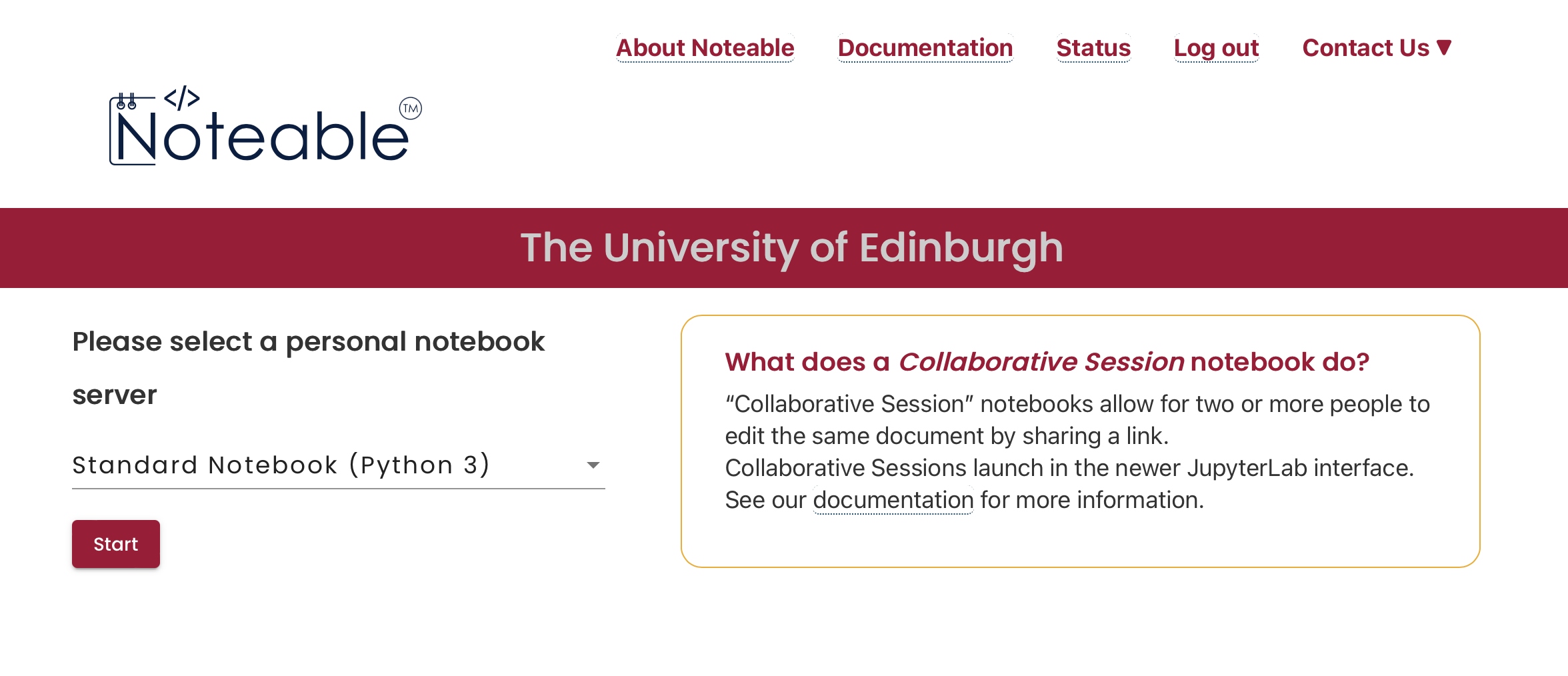
Step 2 - the default is fine so click "Start" and this will load to a screen like this:-
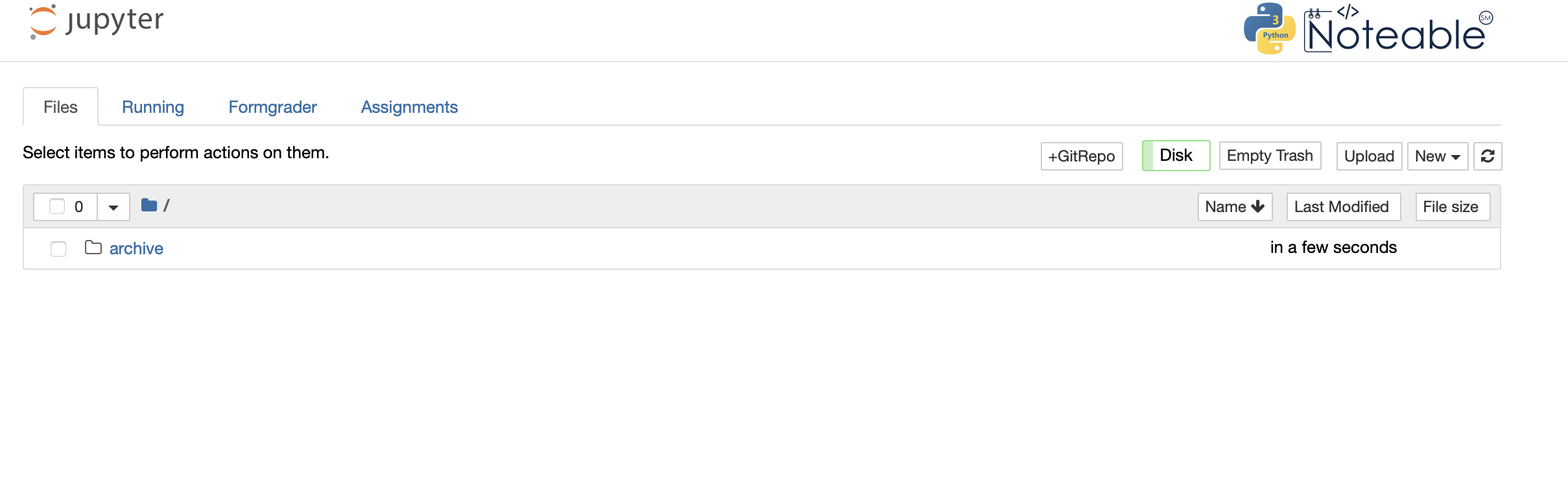
Step 3 - now click on the "upload" box in the top-right and upload the python notebook file you would like to use (you can download the ones for this mini-course below).
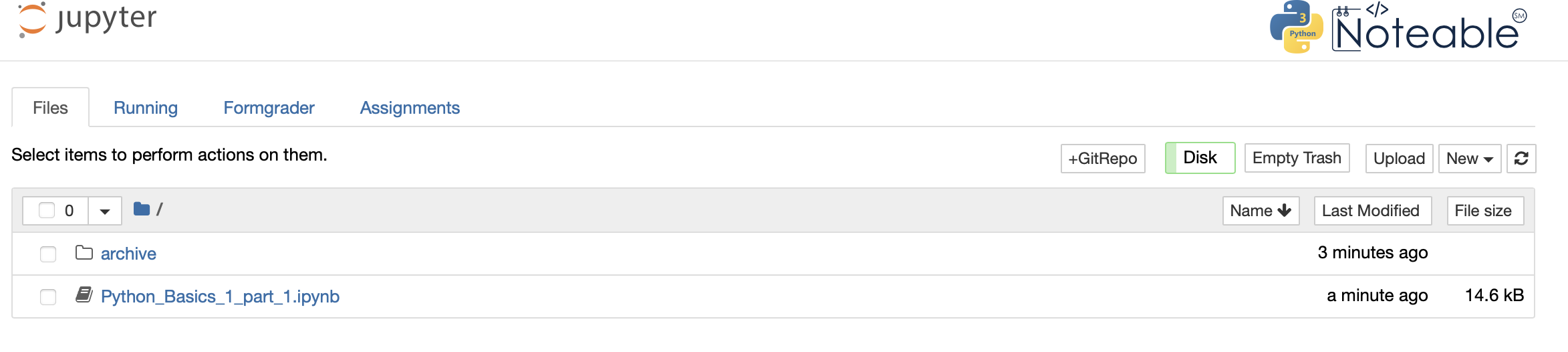
Step 4 - I've uploaded the first file from this mini-course "Python_Basics_1_part_1.ipynb", click on this to run the notebook:-
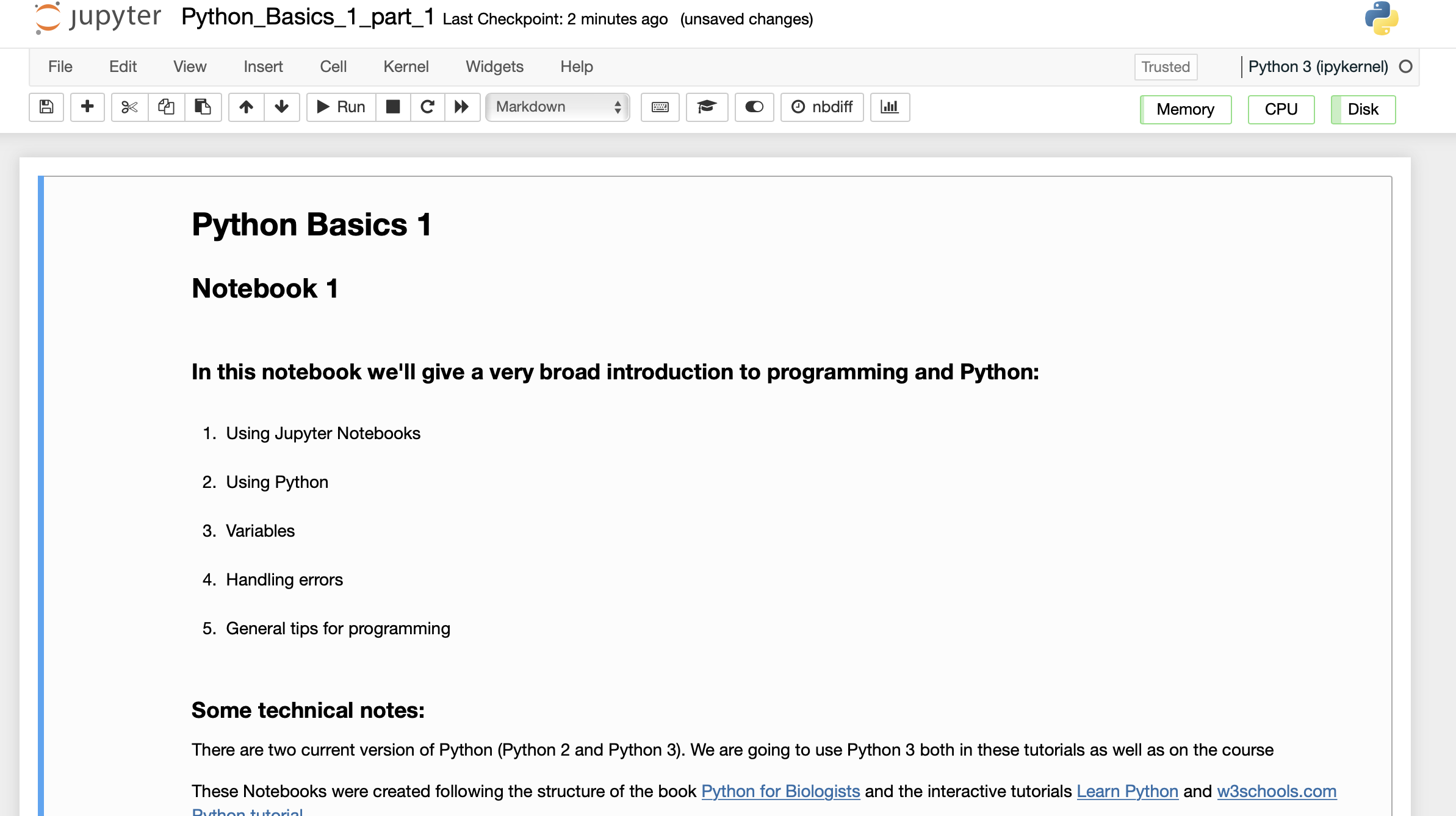
Step 5 - You should now see the notebook running on the screen:
That should be you up and running. We will go through this in the first lecture as well.